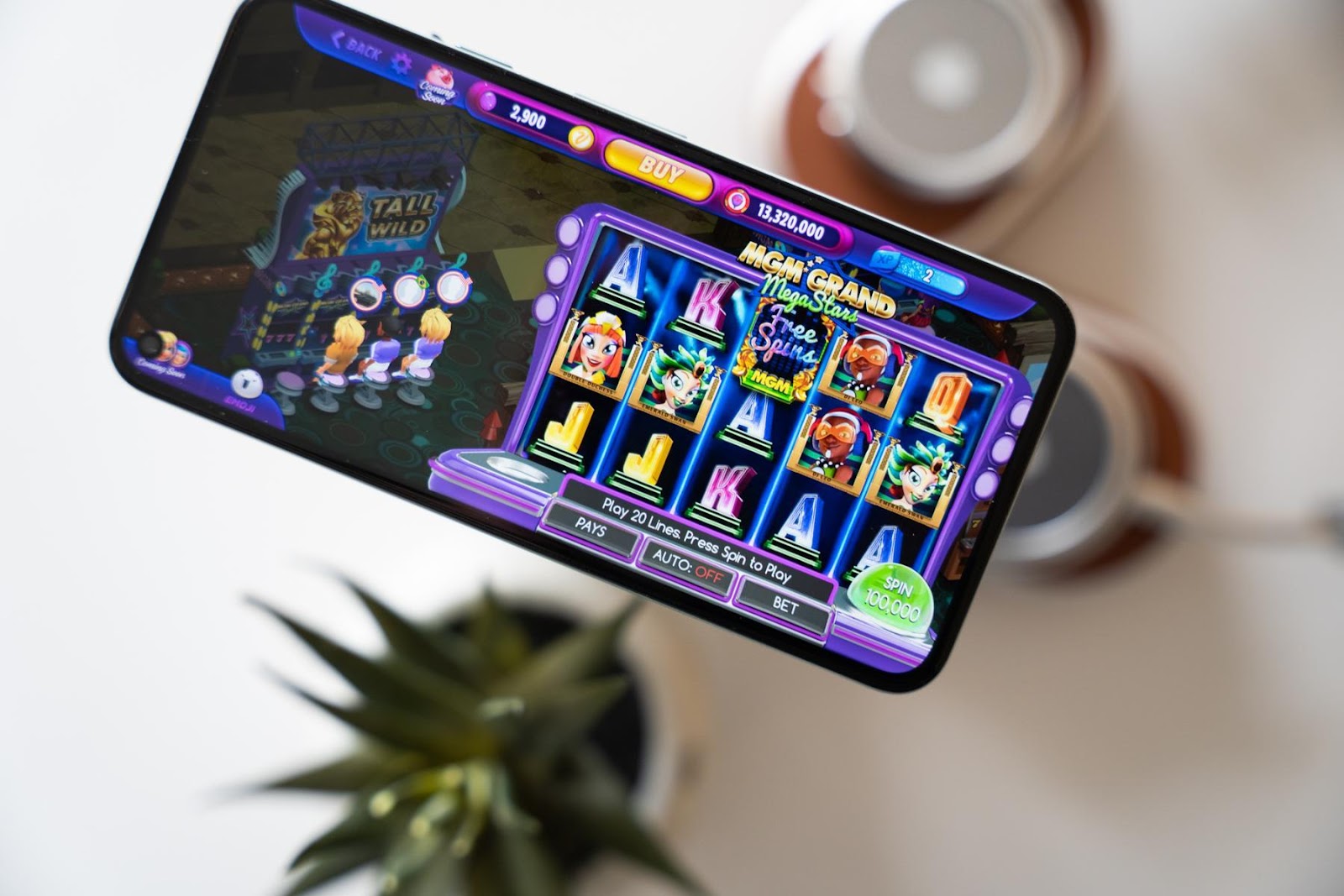
The Fambet Casino app provides Canadian players a simple way to access the identical games, banking tools, and account features that appear on the desktop site, but arranged for smaller screens and touch controls. The app operates on Android and iOS devices, is compatible with both English and French, and keeps login credentials in a secure manner so players do not need to re-enter details on every session. This guide explains the exact steps for downloading, installing, logging in, and registering through the app, along with the device requirements, performance considerations, and troubleshooting steps that Canadian users frequently need.
Compatible Devices and Platforms
The Fambet Casino app supports current mainstream smartphones and tablets. On the Android side it requires version 7.0 or later, and it has been tested on phones and tablets from major manufacturers such as Samsung, Google, and LG. On iOS the minimum requirement is version 13.0, which supports iPhone 7 and newer models as well as iPad models from 2019 onward. Players using older devices can still access the casino through the mobile browser version, but they will be without the faster load times and push-notification features that the dedicated app provides.
Screen-size compatibility ranges from 4.7-inch displays up to 12.9-inch tablets. The interface automatically adjusts button sizes and font scaling so that betting slips and game lobbies remain readable without constant zooming. Players who use screen readers or large-text settings can enable these accessibility options in their phone’s settings menu; the app honors those choices and does not change them.
Because Canada spans multiple time zones, the app tracks the device’s local time setting and presents promotions or live-dealer schedules in that zone. No manual adjustment is required, but users should confirm that automatic time-zone detection is turned on in their phone settings to avoid mismatched bonus deadlines. Battery usage stays balanced during extended sessions because the app stops non-essential animations when the device enters low-power mode.
Downloading the App on iOS Phones
iOS players get the Fambet Casino app through Apple’s TestFlight service rather than the App Store. The procedure commences on the Fambet Casino webpage: after clicking the iOS download button, the user is redirected to a section that creates a unique TestFlight invitation token. Entering that token in the TestFlight app sets up the casino program in the identical manner any beta version would be set up. The invitation ends after thirty days, so customers should finalize the install promptly.
Because the app is provided outside the App Store, Apple displays a standard security warning the first time it is launched. The customer must tap “Trust” and type the device passcode or use Face ID to confirm. This stage is needed only a single time; subsequent updates come through TestFlight and do not duplicate the trust screen. If the customer declines the trust request, the app will not start until the option is modified in the iOS Settings app under General > VPN & Device Management.

Push-notification authorizations are requested immediately after the trust step. Enabling these messages enables the app to dispatch deposit notices, bonus-expiry warnings, and live-event alerts even when the phone is secured. Players who opt not to accept these messages can turn off them later in the iOS Settings app under Notifications. Disabling notifications does not impact gameplay or account security functions.
Logging In and Managing Security Settings
Returning players tap the “Login” button on the home screen and enter the username and password created during registration. The app offers an optional biometric login that employs the phone’s fingerprint sensor or Face ID; once enabled, the player can avoid the on-screen keyboard entirely. Biometric data never exits the device and cannot be obtained by Fambet Casino servers. If the biometric sensor fails three times in a row, the app switches to the manual password screen for security.
If a player forgets the password, the “Forgot Password” link triggers an e-mail containing a reset link valid for twenty-four hours. The new password must have at least eight characters, including one uppercase letter and one number. After a successful reset, any active sessions on other devices are closed automatically, minimizing the risk of unauthorized access. Players can also check a list of recent login locations inside the Security section to identify unfamiliar activity.
Two-factor authentication (2FA) can be activated in the Security section of the account menu. The app supports both SMS-based codes and authenticator-app tokens. When 2FA is enabled, every login attempt from a new device demands the additional code, which refreshes every thirty seconds. Players who go frequently between provinces should make sure their phone number remains active to avoid SMS delivery delays. Backup codes are created during setup so access continues possible if the primary phone is lost.
Installing the App on Android Devices

Android customers in Canada cannot download the Fambet Casino app from the Google Play Store because gambling apps are prohibited there. Instead, the download link is available on the official Fambet Casino website after the player selects the “Mobile App” menu item. Selecting the link starts a direct APK file download; the file size is approximately 48 MB on a standard Wi-Fi connection and takes under two minutes on most Canadian broadband speeds.
Before installation, the device needs to enable installs from unknown sources. On Android 8.0 and later this permission is requested automatically when the downloaded file is accessed. On Android 7.0 the setting is found under Settings > Security > Unknown sources. After the APK installs, the icon shows up in the app drawer and can be put to the home screen like any other application. Players who keep automatic updates enabled obtain new versions within twenty-four hours of release.
Each APK carries a digital signature that the app validates on launch. If the signature does not match the version hosted on the mobile app fambetcasino server, the app shows a warning and fails to open. Players who encounter this message should delete the file and perform again the download from the official site to guarantee they have the current, unmodified package. The same signature check runs after every automatic update, preventing corrupted or altered files from overwriting the working version.
Setting up a New Account Within the App
Registration begins on the app’s home screen, where a green “Join Now” button launches the sign-up form. The form gathers the player’s full legal name, date of birth, residential address, e-mail address, and a chosen username and password. Canadian players must also pick their province from a drop-down list so the app can use the correct responsible-gambling messaging mandated by provincial regulators. The form validates each field in real time and indicates missing or incorrectly formatted entries before submission.
After the form is submitted, an e-mail holding a six-digit verification code is sent to the address provided. The code must be input inside the app within fifteen minutes; if the time window is missed, a new code can be asked for. Once verified, the account is created but stays in a “pending” state until identity documents are uploaded and approved. During this period, players can browse the lobby and play demo games but cannot place real-money bets.
Document upload is managed through the app’s “Verification” section under the account menu. Accepted file types are PDF, JPG, and PNG, each no larger than 5 MB. Typical documents include a government-issued photo ID and a recent utility bill or bank statement showing the player’s name and Canadian address. Approval times range from a few hours to two business days depending on verification volume. Players obtain an in-app notification and an e-mail once the review is complete.
In-App Features and Speed Considerations
The app’s lobby displays the same slot, table, and live-dealer titles that appear on the desktop site, but the layout employs larger thumbnails and swipe gestures instead of mouse clicks. A persistent search bar at the top of every screen allows players sort games by provider, volatility, or jackpot size without scrolling through dozens of pages. Game categories may be reordered by tapping the three-line menu icon, and favourite titles are able to be pinned for one-tap access.
Game loading times take three to five seconds on a typical Canadian LTE connection; on Wi-Fi the same titles open in under two seconds. Data usage for one hour of continuous slot play is approximately 35 MB, while live-dealer streams consume about 90 MB per hour because of the video feed. Players on limited data plans can switch on “Data Saver” mode in the settings menu, which decreases video quality and halts background image pre-loading. The mode also shrinks lobby thumbnails to save bandwidth during extended sessions.
Real-money transactions are completed inside a secure web view that matches the desktop cashier. Supported methods include Interac e-Transfer, credit and debit cards, and several e-wallets. Deposit limits can be adjusted on a daily, weekly, or monthly basis directly in the app; these limits sync with the desktop site so changes made on one platform appear immediately on the other. Withdrawal requests initiated in the app use the same processing schedule as desktop requests and produce identical confirmation e-mails.
Common Questions
Can I find the Fambet Casino app on Google Play?
No. Since Google prohibits real-money gambling apps, the Android version is available for direct download from the Fambet Casino website as an APK file. The download link shows up after the player logs in or selects the “Mobile App” menu option. The file carries a verified digital signature that the app checks on every launch.
Is a separate account required for the app and the desktop site?
No, you do not. One account works across every platform. Once you register via the app, you can use the same username and password on the desktop site and any upcoming tablet version without setting up extra profiles. All balances, bonuses, and game history remain synchronized in real time.
What occurs if my phone doesn’t meet the minimum OS requirements?
Players on unsupported devices can still access the casino through the mobile browser at fambet-casino.org. The browser version offers the same games and banking tools, though push notifications and biometric login are unavailable. Performance remains stable on recent desktop browsers as well.
How much time does identity verification generally require?
Most Canadian players receive approval within a few hours once both a government-issued photo ID and a proof-of-address document have been uploaded. During peak verification times, the wait can extend to two business days. An in-app notification and e-mail confirm when the review is complete.
Can I set deposit limits directly in the app?
Yes, you can. Under the account menu, the “Responsible Gambling” section allows players to set daily, weekly, or monthly deposit limits. These limits apply immediately and are synchronized with the desktop site. Adjustments on either platform update the other in a matter of seconds.
Is the app compatible with both tablets and phones?
Certainly. The interface automatically scales to tablet screen sizes from 7 inches to 12.9 inches, maintaining readable text and appropriately sized buttons without additional configuration. Every game category supports both landscape and portrait orientations.
Comentarios recientes